






Tailoring Your Desk: The Ultimate Setup Guide for Coders, Designers, and Managers
Share
The concept of a "perfect desk setup" is a myth because no two jobs are exactly alike. A software engineer requires a vastly different environment than a graphic designer or a project manager. To maximize your efficiency, your workspace must be intentionally tailored to the specific demands of your profession. Here is how to customize your desk for your unique workflow.
1. The Software Developer: Maximizing Screen Real Estate For coders, seeing more lines of code at once minimizes scrolling and reduces cognitive load. The ultimate developer setup utilizes a Dual Monitor Mount. This allows you to position one ultra-wide monitor horizontally for your primary IDE (Integrated Development Environment), and a second monitor rotated 90 degrees vertically for reading long documentation or Slack channels.
2. The Creative Designer: The Hybrid Surface Designers constantly switch between analog sketching, tablet drawing, and mouse-heavy software. A spacious, smooth surface is non-negotiable. An extra-large, smooth-glide Desk Pad provides the perfect uninterrupted tracking surface. Additionally, a powerful USB-C Docking Station is crucial for creatives who need to constantly plug in external hard drives and SD cards without crawling under the desk.
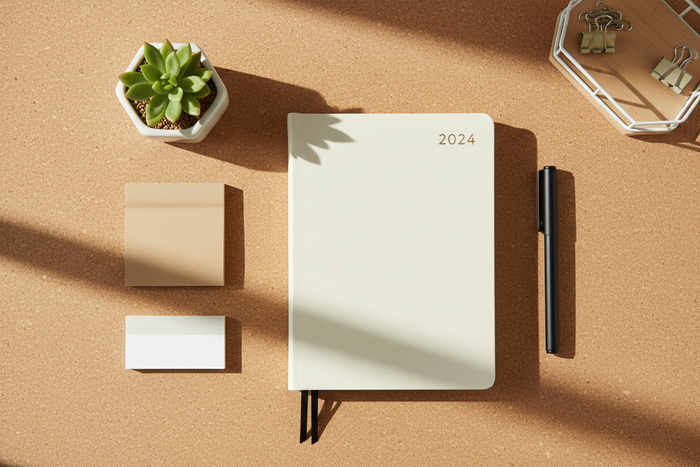
3. The Executive / Manager: The Communication Hub For managers, the day is dominated by video calls and strategic planning. A high-quality Laptop Stand is essential to elevate the webcam to eye level, ensuring a flattering and professional angle during Zoom meetings. A physical Daily Planner and a premium Executive Pen kept within arm's reach allow for quick, distraction-free note-taking during rapid-fire meetings.
Conclusion & CTA Stop fighting against a generic desk setup. Equip your workspace with the specific tools your profession demands. Find your perfect tools. Shop the Deskcraft Co. Workspace Setup Collection to customize your station for peak performance.